
Searching the Acworth Court Docket
Among the Cobb city pages, Acworth offers the clearest official-linked municipal docket view. Begin at Acworth Court Services and open the CourtWare calendar or docket from there. The city page also walks through payment, appearance, and reset instructions. Search with the ticket or case information printed on your notice. Just remember one thing. A vendor table and a certified city record are not the same thing.
- Confirm that the citation belongs to Acworth Municipal Court and read the city citation instructions before choosing a search or payment route.
- Open the official CourtWare calendar or docket and use its date, ticket, case, violation, and status fields as available.
- Read the appearance indicator, court-date type, plea, finding, disposition, and balance fields separately instead of treating one column as the whole result.
- Contact Acworth Court Services by phone, in person, or through the listed payment and records routes when a field is empty or unclear.
- If Acworth sends the matter to Cobb State Court, search the receiving county case only after a new county case number or transfer is identified.
The CourtWare view goes beyond a simple date. An Acworth court docket search can surface grouped case, violation, and disposition fields in one place. Still, the table has limits. A filter can leave it empty, results may be paginated, and none of it counts as a certified disposition. For the official record, go through the city clerk.
Acworth Court Services
Acworth Court Services sits at 4408 Acworth Industrial Drive NW, Acworth, Georgia 30101. Office hours run Monday through Friday from 8:00 a.m. to 5:00 p.m. The payment window keeps shorter hours, 8:30 a.m. to 4:30 p.m. For questions by phone, Court Services lists 770-974-0965. The city also posts a toll-free line, 1-678-359-2783, covering payments, court dates, and ticket amounts.
The official Acworth Court Services page pulls the whole counter experience together. It covers online and mail payment instructions, appearance requirements, continuance and reset details, plus the court calendar link. Treat it as the starting source for any Acworth docket question. Before calling, have your citation or case information in hand. Know whether you are asking about a setting, a payment, a balance, a disposition, or a copy.
Do not treat the office window and the payment window as the same thing. A court-date question may be answerable by phone. A payment follows a different deadline or channel. The current city page controls the route. CourtWare offers a view into calendar and docket fields, but the city office holds the record for an official request.
Acworth Court Services
4408 Acworth Industrial Drive NW
Acworth, GA 30101
770-974-0965
1-678-359-2783 toll-free
acworth-ga.gov Court Services
This card points to the local Acworth office that keeps the records. Confirm hours and the correct payment or records route on the live city page before you visit.
The official Acworth Court Services source is the city route for timing, appearance, reset, payment, and calendar instructions.
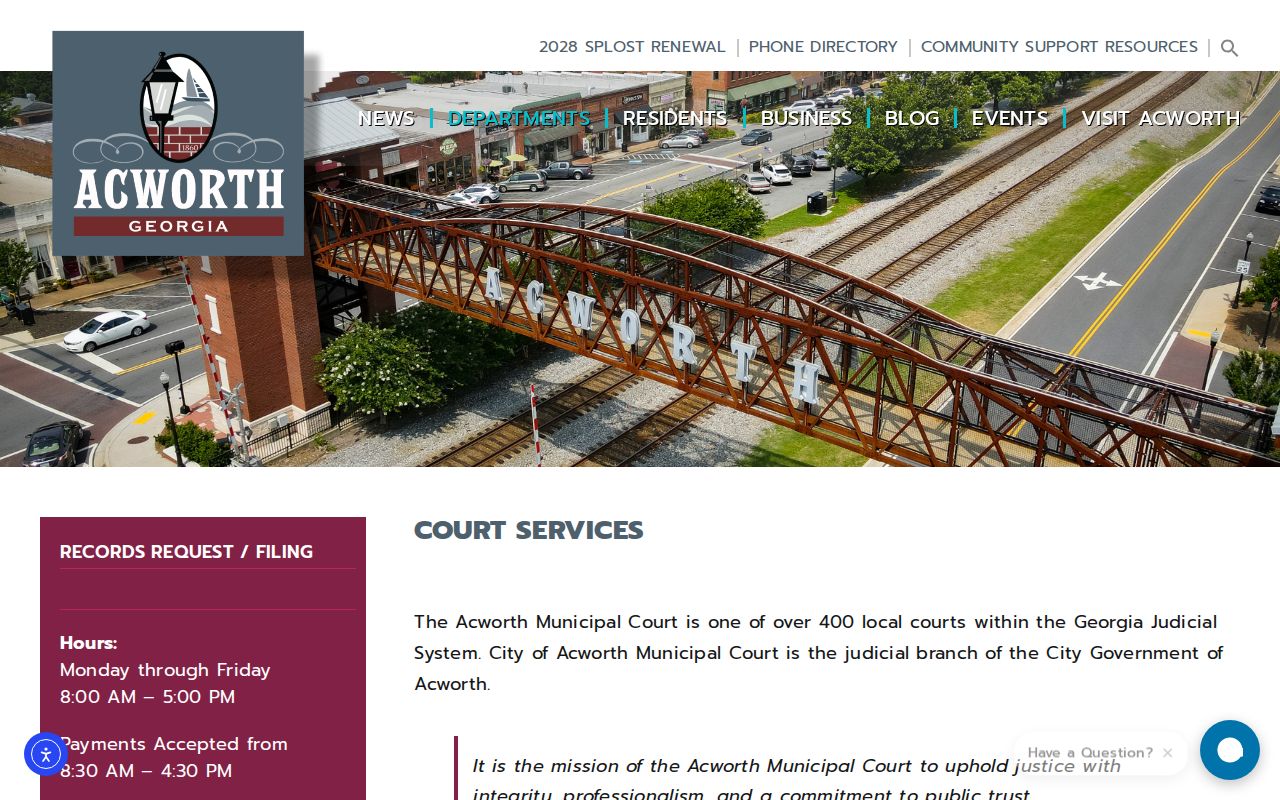
The image links to the live Acworth Court Services page. For a court date or payment deadline, rely on that current page rather than any saved picture.
Acworth Municipal Court Basics
Acworth comes in fifth in the April 14, 2025 Cobb comparison, at 22,379. Its municipal court keeps city traffic and ordinance matters inside a local system. So a citation issued in Acworth starts with Acworth Court Services. The road itself may be part of the county network. The city route still comes first.
The city page lays out payment deadlines, appearances, continuances, resets, and a public-records route. Those instructions are part of the docket experience, too. A date, a payment status, and a reset request can each run through a different corner of the Acworth system.
Think of the local route in three layers. Acworth Court Services takes the counter questions: payment, appearance, and reset information. The Acworth CourtWare calendar gives you the date and time. The CourtWare docket shows ticket, violation, plea, finding, disposition, and balance fields. The Acworth City Clerk handles the official records route. Keep those roles straight. That is what keeps a vendor result from being mistaken for a certified Acworth copy.
The CourtWare calendar and docket are official-linked vendor views. They expose useful fields. But an empty or filtered table does not mean no case exists. A vendor view is never a certified disposition. For an official copy, use the City Clerk or Court Services.
If an Acworth matter transfers to Cobb State Court, the county court takes over as custodian. Until then, the city docket is the first place to look.
Acworth CourtWare Calendar
Acworth posts an official CourtWare calendar for its city court. For each entry it lists the court date and time, ticket and case details, the violation, the disposition, and a payment link. Tickets that require an appearance get a red indicator. That makes the calendar a good first look at any Acworth setting.
Use the Acworth CourtWare calendar with some care, though. It is still a vendor table. Filters can leave it looking empty, and long dockets may spread across pages, so check the page controls and match what you see against your citation. If the court date makes no sense, call Court Services.
Be careful what the payment link proves. It does not make every Acworth citation payable. The red indicator is a prompt to read the city instructions and get ready for court. A missing payment button is not proof of dismissal, and a payment button is not proof that you can skip an appearance.
The official Acworth calendar route offers schedule context only. For anything certified, rely on the city clerk's record.
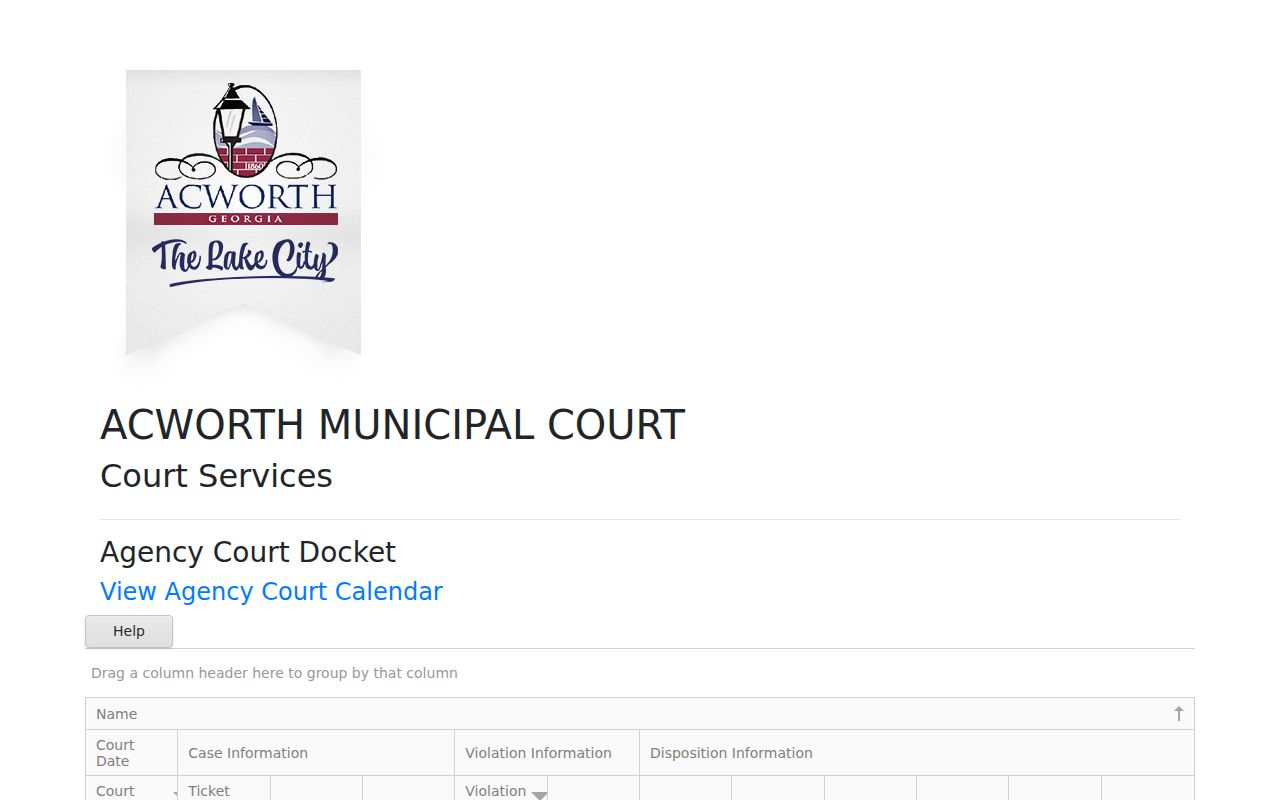
The image links straight to the official CourtWare calendar source. A live table shifts as the court posts or filters entries.
Court Dates and Settings in Acworth
Acworth treats the citation date as the arraignment date. A continuance can push the matter back by about one month. CourtWare adds a court date, time, date type, and appearance indicator. Yet the city instructions and the clerk's response still govern once a setting moves. The fields below help you read an Acworth setting. Do not mistake it for a final result.
| Court date | The citation date is described by Acworth as the arraignment date. |
|---|---|
| Time | Use the current CourtWare calendar or the Acworth notice for the scheduled time. |
| Date type | CourtWare exposes a court-date type that helps distinguish the kind of setting. |
| Appearance | A red appearance indicator identifies tickets that require appearance in the vendor view. |
| Reset | Acworth describes a continuance process; confirm the approved replacement date with Court Services. |
A listed date is not a finding or a disposition. The Acworth docket keeps the plea, the finding, the disposition date, and the payment balance in separate fields. Compare the event with the city's response, and ask for a certified record whenever the result must be proved outside the vendor view.
Acworth Docket Fields
Acworth's official-linked CourtWare docket sorts its details into five groups: Name, Court Date, Case Information, Violation Information, and Disposition Information. You can see the ticket number, docket number, case number, and violation code. Violation date and description, court-date type, and bond type appear too. It also carries plea and finding descriptions. The disposition date and time and the financial fields are there as well.
The Acworth CourtWare docket earns its keep in one way. It lets you line up the event layer against the violation and disposition layers. A ticket number is not a case result. A plea is not necessarily a finding. A finding is not the same as a disposition date. And the total amount due, total amount paid, or balance due is a financial field. It is never a legal conclusion.
| Field group | Examples shown | Reading caution |
|---|---|---|
| Court Date | Court date and time, court-date type, appearance indicator | A setting does not prove that the matter was heard or decided |
| Case Information | Ticket number, docket number, case number | Use the exact identifier when asking Acworth to locate the file |
| Violation Information | Violation code, date, and description; bond type | Copy the city wording instead of creating a new label |
| Disposition Information | Plea, finding, disposition date and time | Read each field separately and confirm the official result |
| Financial fields | Total due, total paid, balance due | Amounts can be empty or change; they are not a certified ruling |
This field inventory sets Acworth apart from cities that publish only a session calendar. It also explains why a city clerk request still matters whenever the vendor table is empty, filtered, or short of what certification demands.
Traffic Tickets in Acworth
Acworth traffic tickets run through the city Court Services route. The city lays out online and mail payment. It also covers appearance rules, a no-appearance payment deadline, and continuance steps. With no appearance required, payment must arrive no later than noon on the court day under city instructions. Read the notice, because an appearance indicator can demand a different action.
This ticket route is fuller than a generic payment page. CourtWare can display the ticket, case, violation, plea, finding, disposition, and balance fields. The citation and bonding instructions give the city's search and payment directions. That includes prefix instructions you should follow exactly as Acworth displays them.
For the bigger picture, the Cobb County traffic ticket records page covers the city-versus-county split. Search Acworth first for an Acworth citation. Turn to State Court only after a transfer or a county case number appears.
A paid amount and a court disposition are not the same thing. Keep the vendor confirmation, the citation, and any city response together. That way the Acworth record reads as one sequence.
Acworth Payment Deadline
Acworth gives people who do not have to appear a hard cutoff: payment is due no later than noon on the court day. The city's Court Services page spells this out, along with online and mail payment options, appearance rules, and resets. Timing here belongs to the city's own process, so check it against the current citation before relying on it. The Acworth citation and bonding instructions cover the search and payment choices the city offers.
Start with the citation itself. The Acworth notice may carry a ticket number, a case number, or an appearance requirement. The city asks for the exact prefix and case information it specifies. Watch the CourtWare screen for a red appearance indicator. If one shows up, do not assume a no-appearance payment will work. Call Court Services instead and follow the city's instructions. When a matter transfers, the receiving Cobb number becomes the key for county docket searching, though the original citation still matters as a cross-reference.
A reset moves the court date. It does not erase the citation. Acworth describes a one-month continuance process. Confirmation of the approved new date should come from the city rather than from a changed vendor filter. Keep the noon deadline separate from two other items as well. One is the hours of the payment window. The other is the day a vendor table refreshes. Three different questions, three different answers.
Where Acworth Cases Go
An Acworth citation or ordinance matter starts at Acworth Municipal Court and Court Services. If the case transfers to Cobb State Court, that changes the picture. The new county case number becomes the next search key. State Court and Superior Court sit apart. Each is a separate trial court. Magistrate, Probate, and Juvenile matters each answer to their own offices.
Docket flow: Acworth Municipal Court › Cobb County Courts › Superior Court of Cobb County
Routing is a possibility, not a fixed ending. A city traffic case can simply stay in Acworth. A transferred misdemeanor may land in State Court. A felony or a broad civil matter goes the Superior Clerk route. Let the case type and the court named on the record decide. The Cobb County court docket overview lays out the county offices that hold each record. Come back to Acworth Court Services in two situations. One is when the matter stays with the city. The other is when no county case number has been issued yet.
Acworth City Records
The Acworth City Clerk page is the front door for court-services and open-records questions. The office runs a JustFOIA workflow for open-records requests. Go there when the CourtWare view is not enough. Name the specific item sought. That could be a citation, case, docket, disposition, or payment record. The Acworth City Clerk page is the official city route for that role.
JustFOIA is a request workflow, not a searchable docket index. A response may deliver a record or explain a limit. CourtWare keeps showing the public calendar and docket fields. This route shines when a certified or official answer is needed. The vendor table is only an access view. It can come back empty under a filter. A clerk response is the better way to confirm what the city maintains and what it can release.
Describe the record precisely in any Acworth copy request. A clerk request can seek a disposition, payment history, a docket entry, or a court document. A JustFOIA request should identify Acworth plus the citation or case. The CourtWare table may help locate the event. Court Services or the City Clerk must confirm what the city can certify. Keep both channels together. A CourtWare entry can point to a date or balance. A clerk or JustFOIA request can supply the record behind that entry. The official Acworth City Hall source gives the building context for a local visit. It does not replace the Court Services address or the clerk's current instructions.
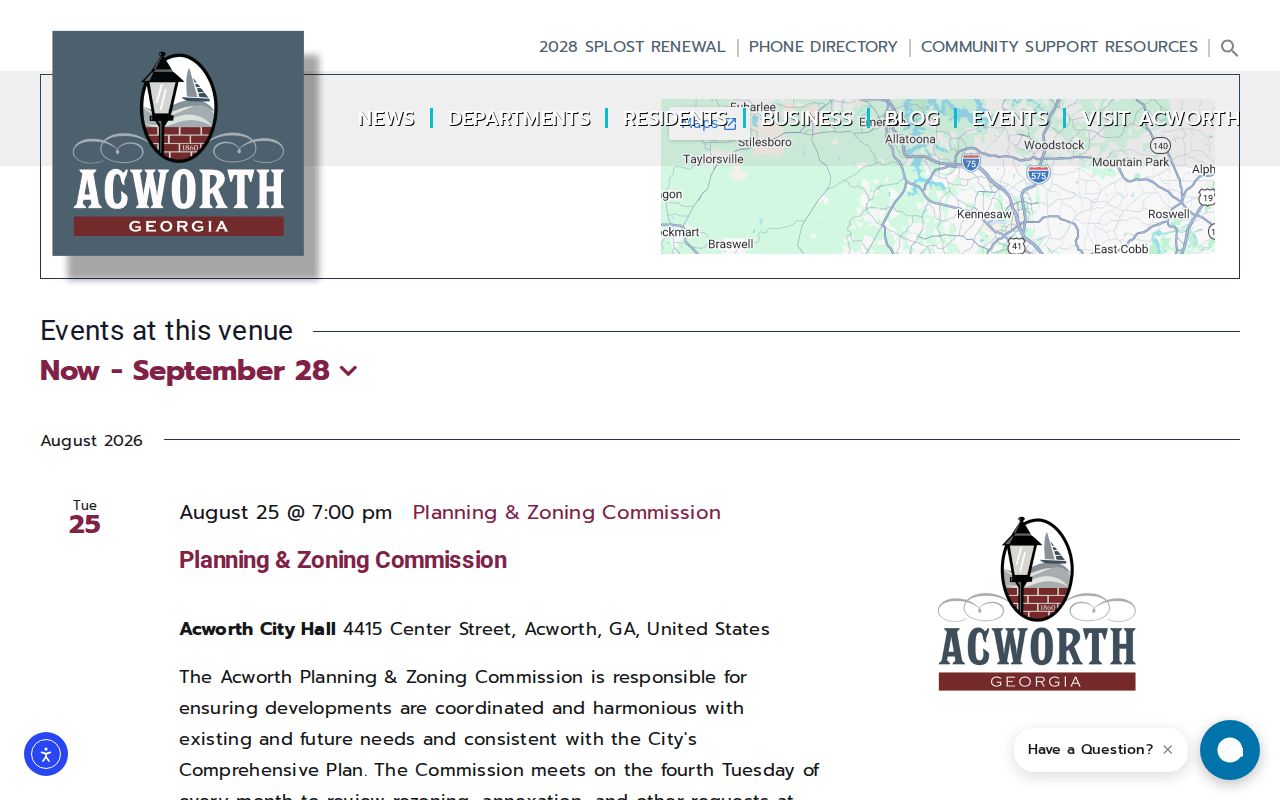
The Acworth venue listing gives the city's building details for an in-person visit. Use Court Services for the court record itself, and confirm the correct counter before you go.
Acworth Citation Prefixes
Acworth's citation and bonding instructions include prefix directions for the city's search route. Copy the exact prefix as printed. Never build one from a partial ticket number. Never assume a county State Court number follows the same format. The official Acworth citation instructions are the source for the current prefix and payment guidance. They pair well with the CourtWare docket. An empty search? Check the posting, the filter, or a court transfer before asking the city clerk.
The city's route also shows why a case number is only one field. A CourtWare docket may list a ticket number, docket number, and case number. Violation and disposition information can appear beside them. The clerk can help connect those identifiers when a notice carries more than one number. After a transfer, search with the receiving Cobb case number. Do not force the Acworth prefix into a county system. The original citation still works as a cross-reference.
Acworth Court Record Access Rules
Acworth gives the public several ways in. Court Services can answer questions directly. CourtWare hosts the city's calendar and docket. Payments run online or by mail, and the city clerk handles requests through JustFOIA. Georgia law leans toward release, since most records are open unless an exemption covers them. Even so, send the request to the office that actually holds the municipal record you want. A vendor's table does not replace the city clerk when you need an official copy.
Be precise about what you ask for. Read each field in context. A red flag on an appearance means one thing. A balance, plea, finding, or disposition entry answers a different question. Protected identifiers, restricted documents, and court orders can all limit what gets released. When a public table looks empty, paginated, or incomplete, the city's own response is what counts.
Key Rules:
O.C.G.A. § 50-18-70 et seq. establishes Georgia's public-records framework and exemptions.
O.C.G.A. § 50-18-71 directs a request to the custodian and ties a withholding explanation to a statutory exemption.
Uniform Municipal Court Rule 11 supplies the municipal courtroom access and recording framework, subject to court rules and orders.
Need a current date, a payment deadline, a reset, or an official copy? That starts with Acworth Court Services. CourtWare works well for browsing the public fields first, but confirm anything that matters with the city office that holds the record.